Medical Image Viewer
A Windows desktop viewer for DICOM files, folders, and network paths. It supports multi-series comparison, window/level adjustment, measurements, ROI, DICOM tag browsing, image export, and optional X-ray AI assistance.
Open single images, full study folders, HIS/PACS-exported paths, and multi-series studies directly from a Windows desktop app.
Open a single DICOM file, an entire folder, multiple files, or UNC network paths from NAS, PACS exports, or HIS temporary folders.
Automatically groups series and supports 1x1, 1x2, 2x2, and other pane layouts with drag-and-drop comparison.
Pan, zoom, adjust window/level, invert, rotate, flip, and reset the display for faster interpretation.
Measure distance, angle, and ROI boxes with mean, min, max, and pixel counts.
Review and filter patient, study, series, and image tags.
Export the current image or series as PNG/JPEG for teaching, consultation, or report attachments.
When licensed and configured, chest X-ray pathology detection can provide auxiliary prompts without replacing physician interpretation.
v1.2.3 improves large CT/MRI loading, cache-miss handling, background preloading, and thumbnail generation for smoother scrolling.
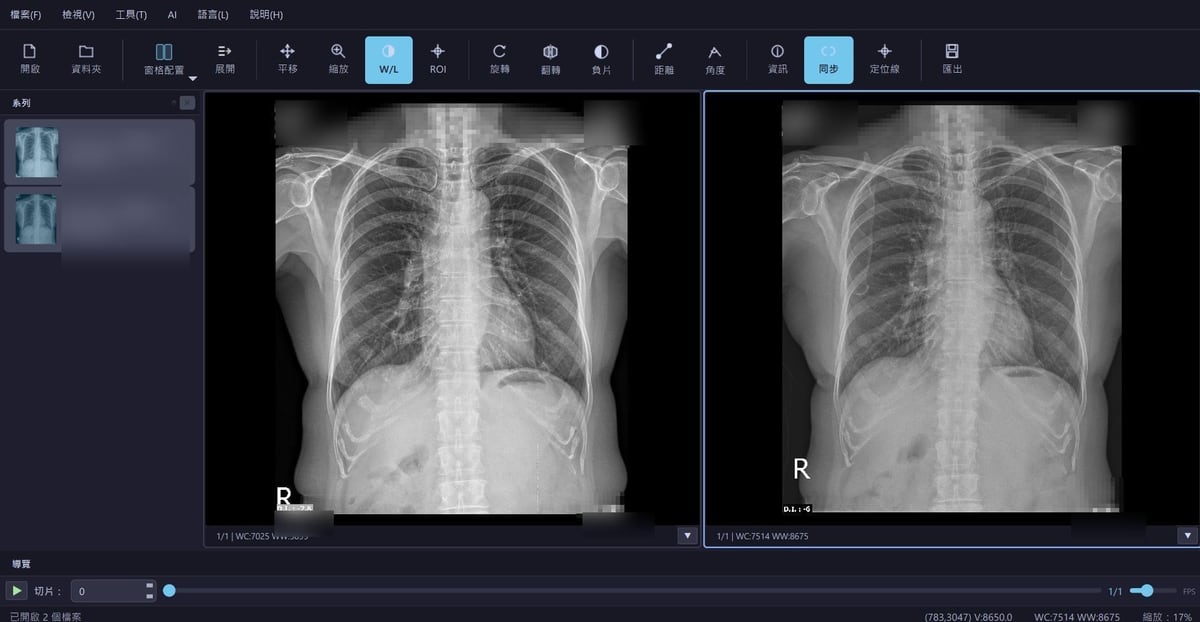
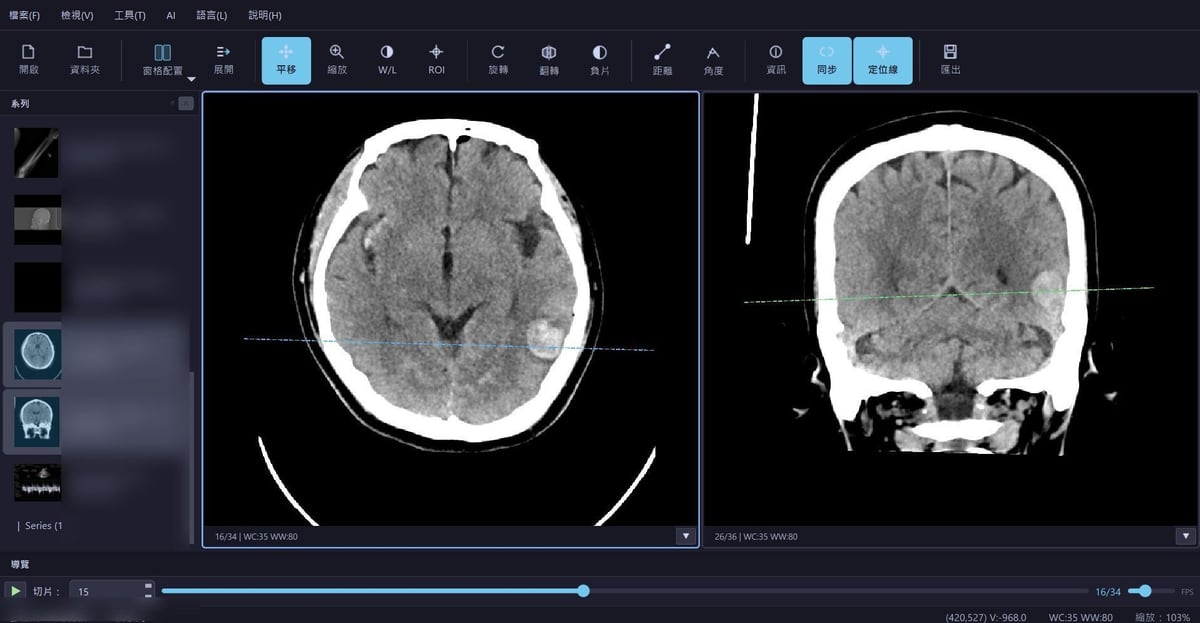
De-identified examples showing CT multi-pane viewing, localizer-line synchronization, and chest X-ray comparison.
Compare axial and coronal views with synchronized scrolling and localizer lines.
Compare multiple images side by side with window/level adjustment and synchronized viewing.
Useful for PowerShell, batch files, HIS buttons, PACS export workflows, or Windows shortcuts.
# Help and version
.\DicomViewer.exe --help
.\DicomViewer.exe --version
# Open one DICOM file
.\DicomViewer.exe --file "C:\DICOM\study1\image001.dcm"
# Open a DICOM folder
.\DicomViewer.exe --folder "C:\DICOM\study1"
# Open by positional path
.\DicomViewer.exe "C:\DICOM\study1"
# Open UNC network paths
.\DicomViewer.exe "\\NAS\PACS\study1"
# Specify UI language
.\DicomViewer.exe --lang en
Windows desktop installer with the complete DICOM Viewer application and required runtime files.
Download Windows Installer v1.2.3